How to · 3 min read
How to change your Android wallpaper with Paxpi
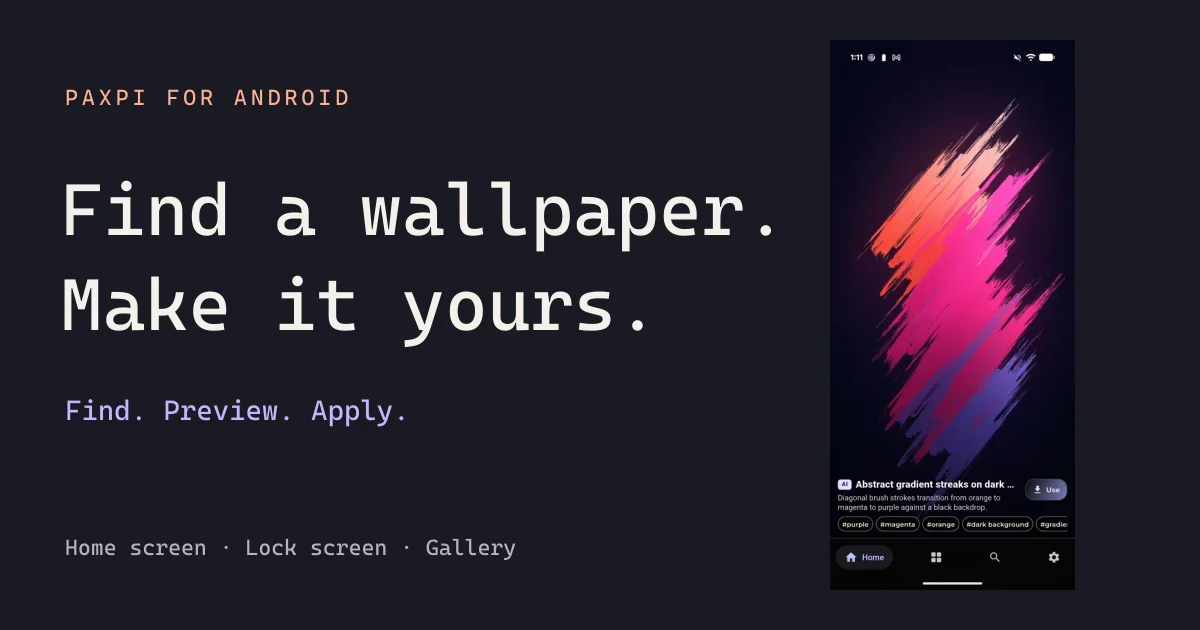
Learn how to change your Android wallpaper with Paxpi: find an image, preview it, set your home or lock screen, or save it to your gallery.
 Paxpi.
Get the app
Paxpi.
Get the app
Wallpapers & art for Android
Paxpi is an Android wallpaper and art app. Explore collections and tags, search for a look, then preview, apply or save it.
Home and lock screen options depend on your device. Contains ads.
One app. So many moods.
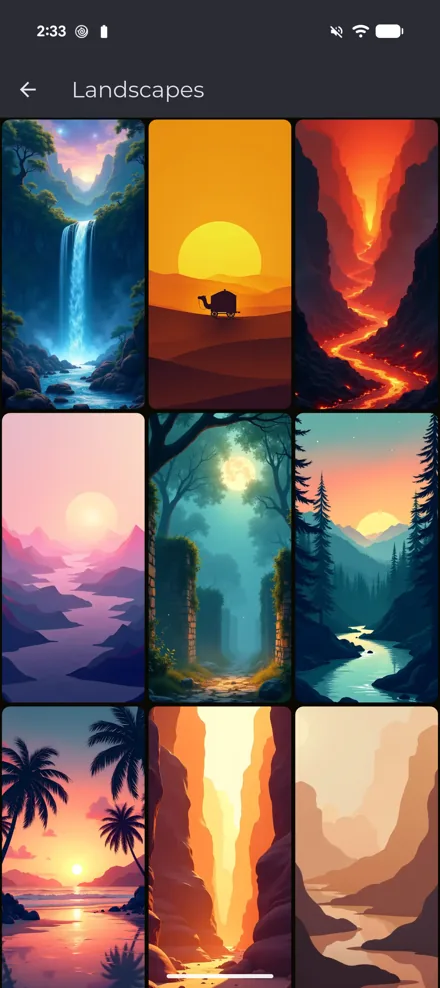
Some days call for calm. Others, a little more color. Explore collections and tags, or search for whatever catches your eye.
From discovery to your display
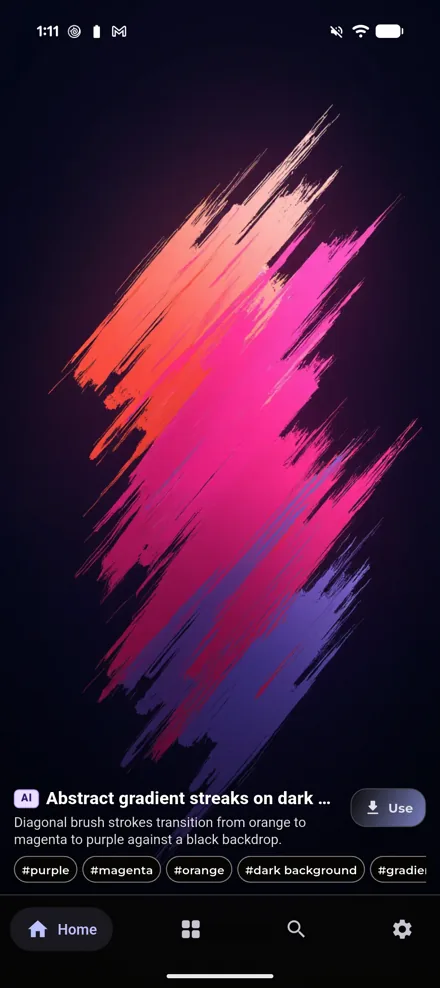
Swipe through wallpapers. Explore collections and tags, or search for a style you love.
Preview your choice and set it on your home screen, lock screen, or both, where supported by your device.
Save a wallpaper to your device’s gallery, ready for the next time you want a change.
Notes on making it yours
How to · 3 min read
Learn how to change your Android wallpaper with Paxpi: find an image, preview it, set your home or lock screen, or save it to your gallery.
Inspiration · 3 min read
A practical way to choose a background you enjoy looking at, without losing your clock, icons or sense of style in the picture.
Screen sense · 4 min read
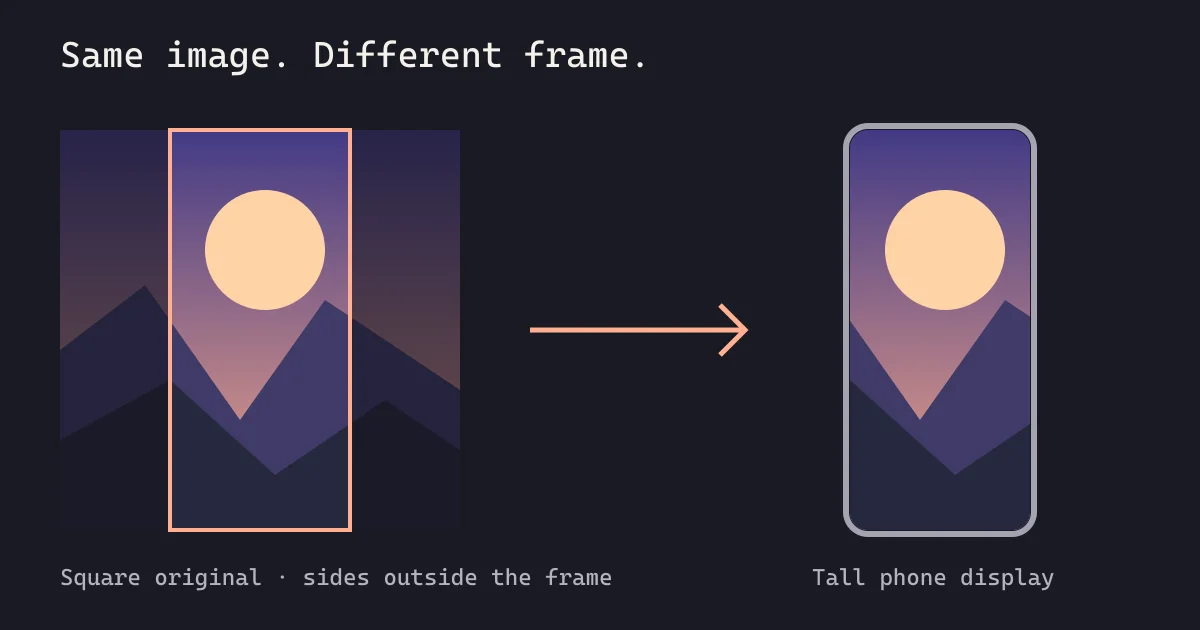
Why does Android crop your wallpaper? Understand aspect ratios, preview framing, and how to choose an image that fits your home and lock screens.
Paxpi is available for Android on Google Play. You can browse this website on any device.
Yes. Paxpi can apply wallpapers to the home screen, lock screen, or both, depending on what your Android device supports.
Open a wallpaper, tap Use and choose Save image to download it to your gallery. Your device may ask for permission.
Yes, the Android app contains ads. Advertising choices are managed inside the app, separately from this website’s cookie settings.
Paxpi is built by Philipp Bonny at YNNOB Solutions in Germany. Meet the developer.
Discover Paxpi — wallpapers and art for Android.

Available on Android · Contains ads
 On your computer?