
A wallpaper for your kind of day
Wallpaper styles.
Find your view.
Explore a few of the styles you’ll find in Paxpi. Browse the full collections in the Android app.
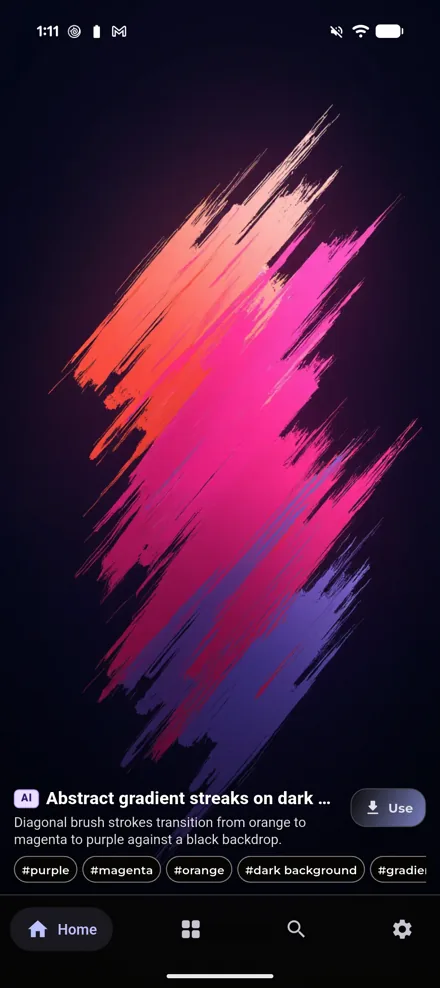
01 / Abstract & color
Less literal.
More feeling.
A sweeping gradient or a bold mark can change the whole character of a screen. Look for a color you want to see every day and shapes that leave room for your icons.
Try a quieter home screen with a more expressive lock screen, or keep one palette across both.
Find your visual style ↗
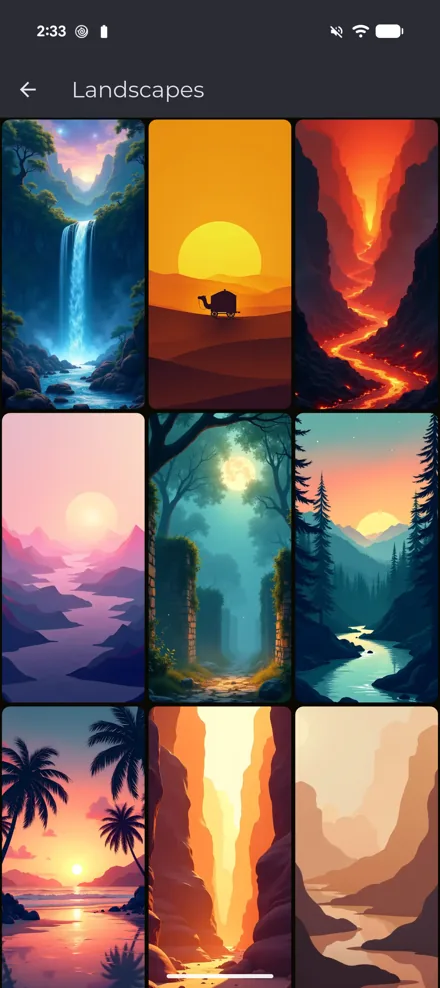
02 / Landscapes & scenery
A small
change of scenery.
Mountains, forests, waterfalls and imagined horizons. A landscape brings depth to a display you look at throughout the day.
For a portrait screen, choose a scene with a focal point near the center. Leave space above it for the clock and below it for your shortcuts.
Make sense of wallpaper fit ↗
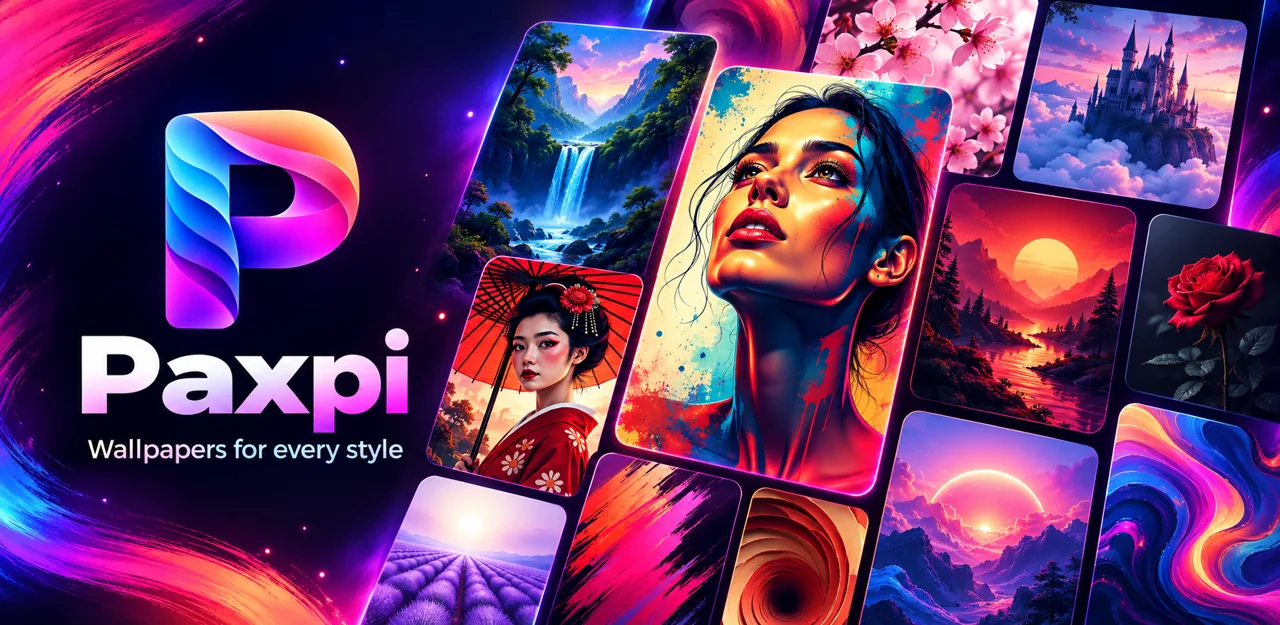
03 / Illustration & art
Something
out of the ordinary.
Expressive portraits, imagined places and playful illustrations. Browse artwork as inspiration, then take your favorite look to your home or lock screen.
Paxpi labels AI-generated artwork in the app where that information is provided. Check each image’s details rather than assuming how it was made.
Small change.
Whole new feeling.
Discover Paxpi — wallpapers and art for Android.
Available on Android · Contains ads
 On your computer?
Scan to open Google Play on your phone.